
Verdict
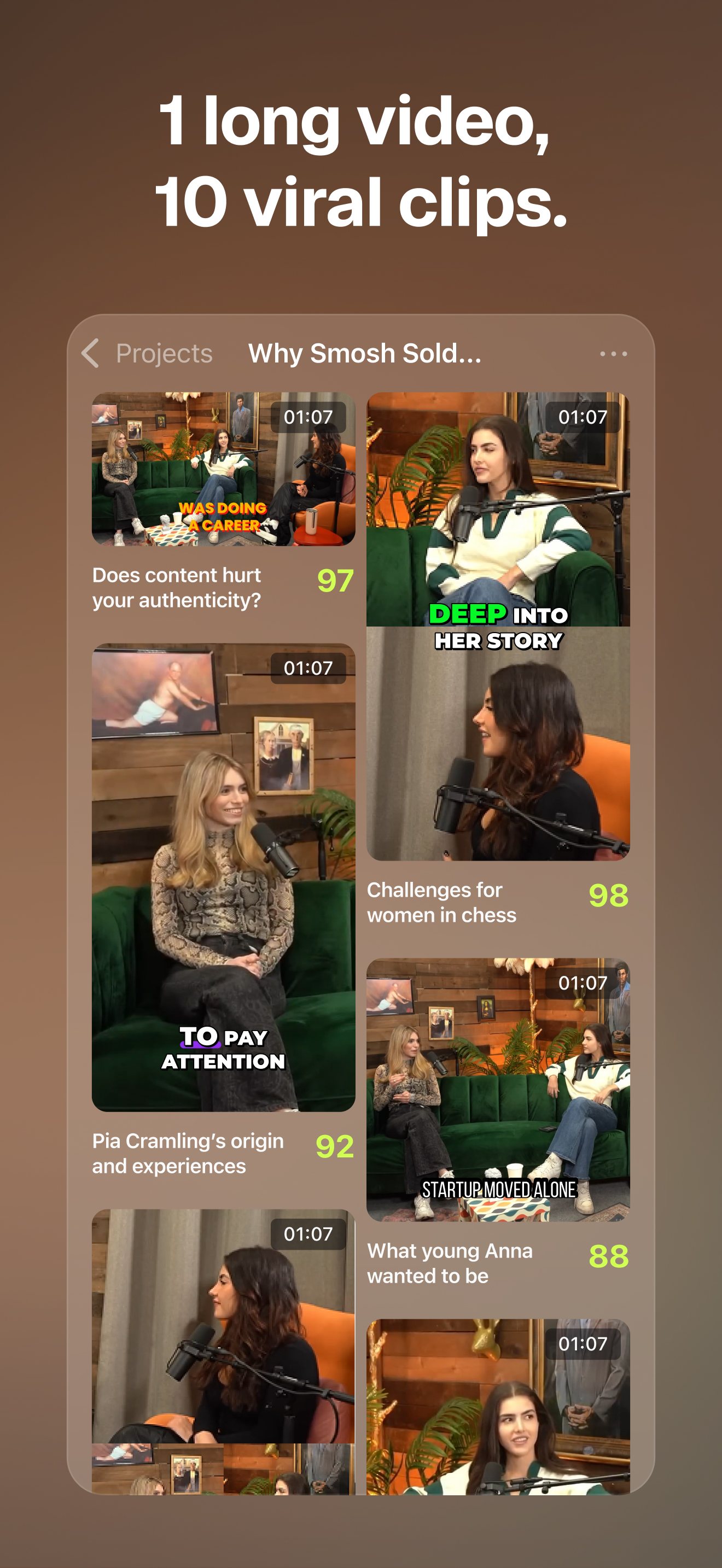
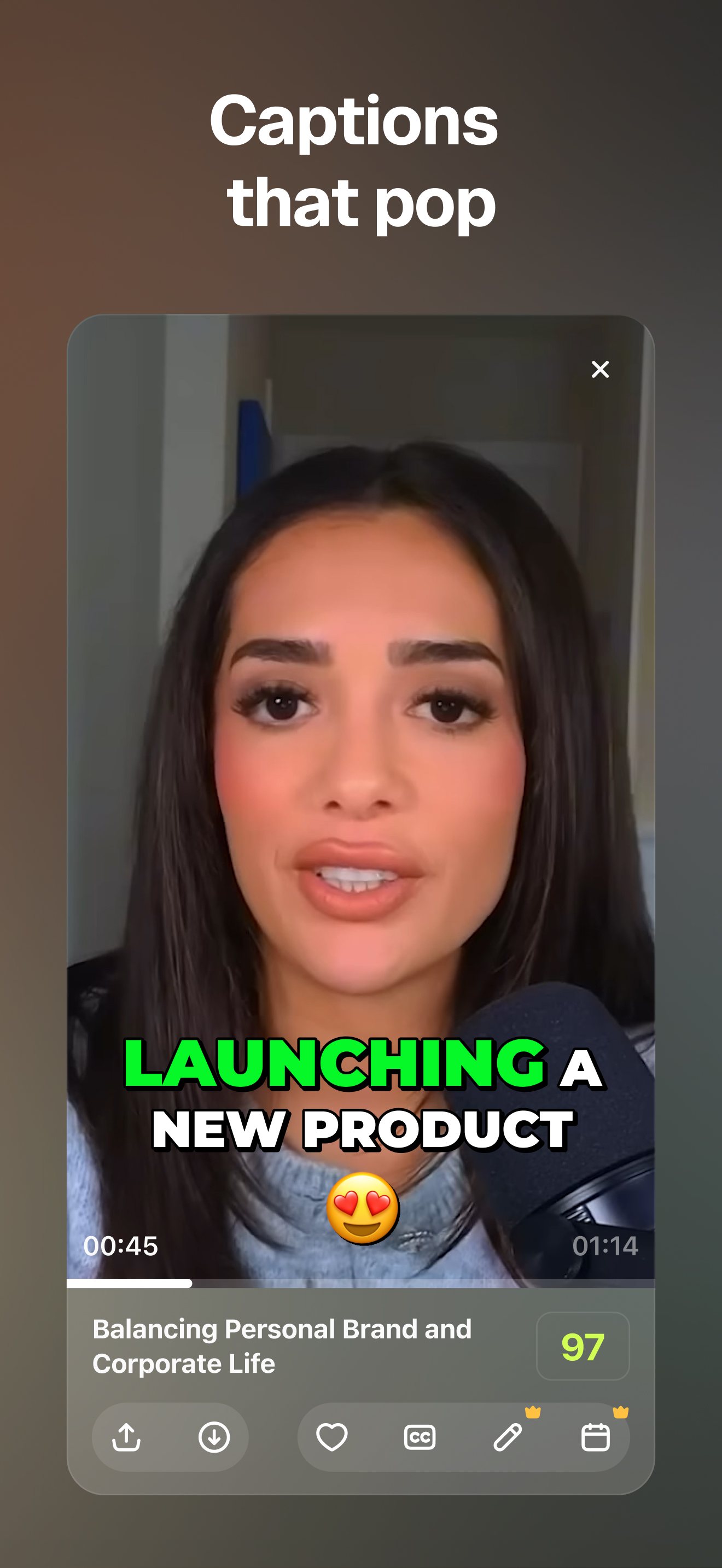
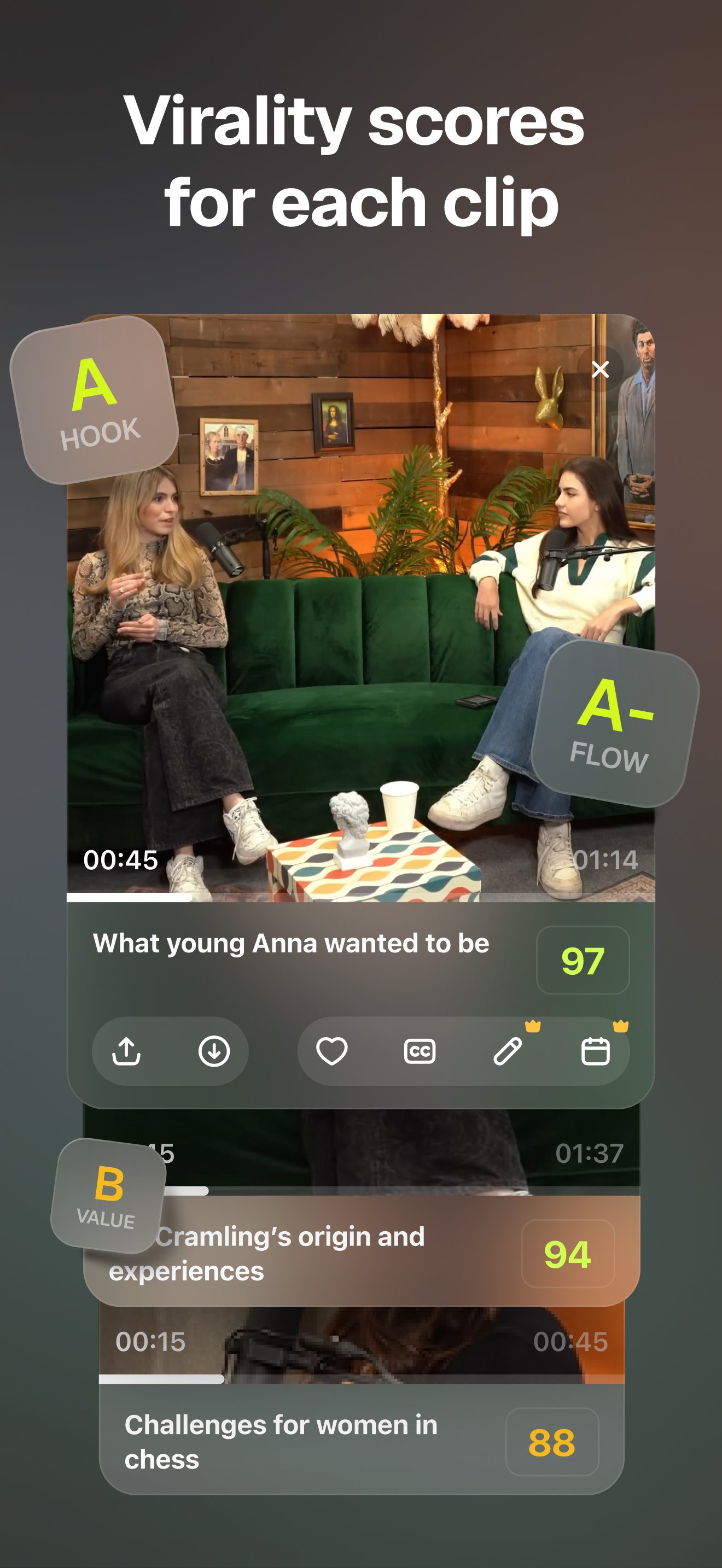
OpusClip finds candidate moments, crops them for phone screens and adds captions far faster than doing the first pass by hand. Independent 2026 tests still found that every clip needs a human check, because the score does not reliably pick the best moments. The free plan has a watermark and three-day export window, while paid plans start at $15 a month. Uploaded videos may be used for product improvement and model development, with a specific opt-out stated only for EU and EEA users.
Privacy note. The policy allows user content to improve services and offers an AI research and model-development opt-out only to EU and EEA users. UK users are not named in that opt-out. https://www.opus.pro/privacy-policy
Best for
Podcasters, interviewers and teachers with regular long videos to turn into social clips
Skip if
Making original short videos from scratch, or uploading footage that needs stricter data controls
Key facts
- Category
- Video making & editing
- Made by
- Opusclip Inc.
- Based in
- United States
- Launched
- 2023
- Works on
- Web, iPhone, Android
- In the UK
- Yes
- Price from
- $15 a month
- Free plan
- Free forever with 60 credits a month, exports up to 1080p, a watermark and no editor. Free clips stop being exportable after three days.
Pricing
| Plan | Price | Billed |
|---|---|---|
| Free | $0 | month |
| Starter | $15 | month |
| Pro | $29 | month |
| Pro annual, effective monthly price | $14.5 | month |
What it does
- finds short moments in uploaded videos and supported video links
- crops clips for vertical, square and landscape formats
- adds animated captions in more than 20 languages
- removes filler words and silences on paid plans
- schedules posts to TikTok, Instagram Reels and YouTube Shorts
- exports projects to Adobe Premiere Pro and DaVinci Resolve on Pro
Ratings
What people say
People like the speed of getting a first batch of captioned clips, but the recurring warning is that the selection and captions still need checking. The web product has higher ratings on G2 and Trustpilot than the new Android app, whose 87-review Google Play score was 2.8 when checked. Complaints include failed uploads, changing credit allowances and extra-credit prompts.
“Same exact experience. 30 clips, post 2, and the two I post aren't even the ones Opus picked.”
Individual user review, 23 June 2026 · source

“The quality of the break down is poor. I have to re-edit them constantly and just seems like a waste of time.”
Individual user review, 19 February 2026 · source

“Opusclip is so easy to use and affordable.”
Trustpilot post, 10 October 2026 · source

“Every time you turn around, they want you to buy more credits.”
Trustpilot post, 7 October 2026 · source

Press reviews
- Content Tools Lab Not stated
A hands-on 45-minute interview test produced ten clips. Five were immediately usable, four needed editing and one was not publishable, so it calls OpusClip a first-pass assistant rather than a replacement for editorial judgement.
- SoloToolkit 2026-06-27
Its hands-on review likes the clip finding and speaker tracking, but says the virality score is only a rough guide and users must fix hooks and caption errors. The page discloses affiliate links.
- Fast Company 2024-08-27
News report on ClipAnything: it can use prompts and visual or audio signals beyond dialogue, although the feature was then in beta.
Privacy
- Trains on your data
- Yes, with scope unclear. The policy says uploaded videos, images and transcripts are used to improve product and services, and it has a separate AI research and model-development opt-out for EU and EEA users. Fast Company reported that the company trains models using user feedback and generated-video performance data.
- Opt-out
- EU and EEA users can email [email protected] with the subject line 'AI R&D – Opt-Out'. The policy does not state the same model-development opt-out for UK users. Cookie controls cover targeted advertising, not uploaded-video use.
- Retention
- No fixed period for videos is stated. The policy says personal data is kept as long as needed for the service or business purposes, and profile information remains while the account exists. Data is processed and stored on Google Cloud servers in the United States. Deletion can be requested by email.
- Incidents
- A February 2026 App Store review reports a project-submission infrastructure problem, with a developer response saying engineering was working on it
- Age limit
- 16+ under the terms and privacy policy, although Apple rates the iPhone app 4+.
Official videos
- OpusClip 3.0 - Launch video Not stated
FAQ
Is OpusClip free?
Yes, there is a free plan with 60 credits a month. Exports are watermarked, capped at 1080p and stop being exportable after three days. Paid plans start at $15 a month.
Does OpusClip really make clips ready to post?
It makes a fast first batch with reframing and captions, but independent 2026 tests found that the clip choice, hook and captions still need checking before posting.
Does OpusClip work on a phone?
Yes. It has iPhone and Android apps as well as a web app. The Android release is new, and its Play rating was much lower than the iPhone rating when checked.
Does OpusClip use uploaded videos to train AI?
Its policy says user content can improve its products and services and describes an AI research and model-development opt-out for EU and EEA users. The policy does not clearly offer that same opt-out to UK users.
Who makes OpusClip?
OpusClip is made by Opusclip Inc., headquartered in Mountain View, California. Business Insider reported that it was founded in 2022, while the product first launched in June 2023.
Scores are based on published evidence, not lab tests. How we score.
Similar tools

Edits (Instagram)
Instagram's free phone video editor for Reels, with captions, cutouts, a teleprompter and AI restyle effects.

CapCut
ByteDance's phone and desktop video editor, with auto-captions, templates and built-in AI video generation.

InShot
Simple phone video editor for trimming clips, adding music and text, with auto captions and a few AI effects.

Google Flow
Google's AI video studio on phone and web, turning a typed idea or a photo into short clips with sound using its Veo 3.1 and Omni models.