Verdict
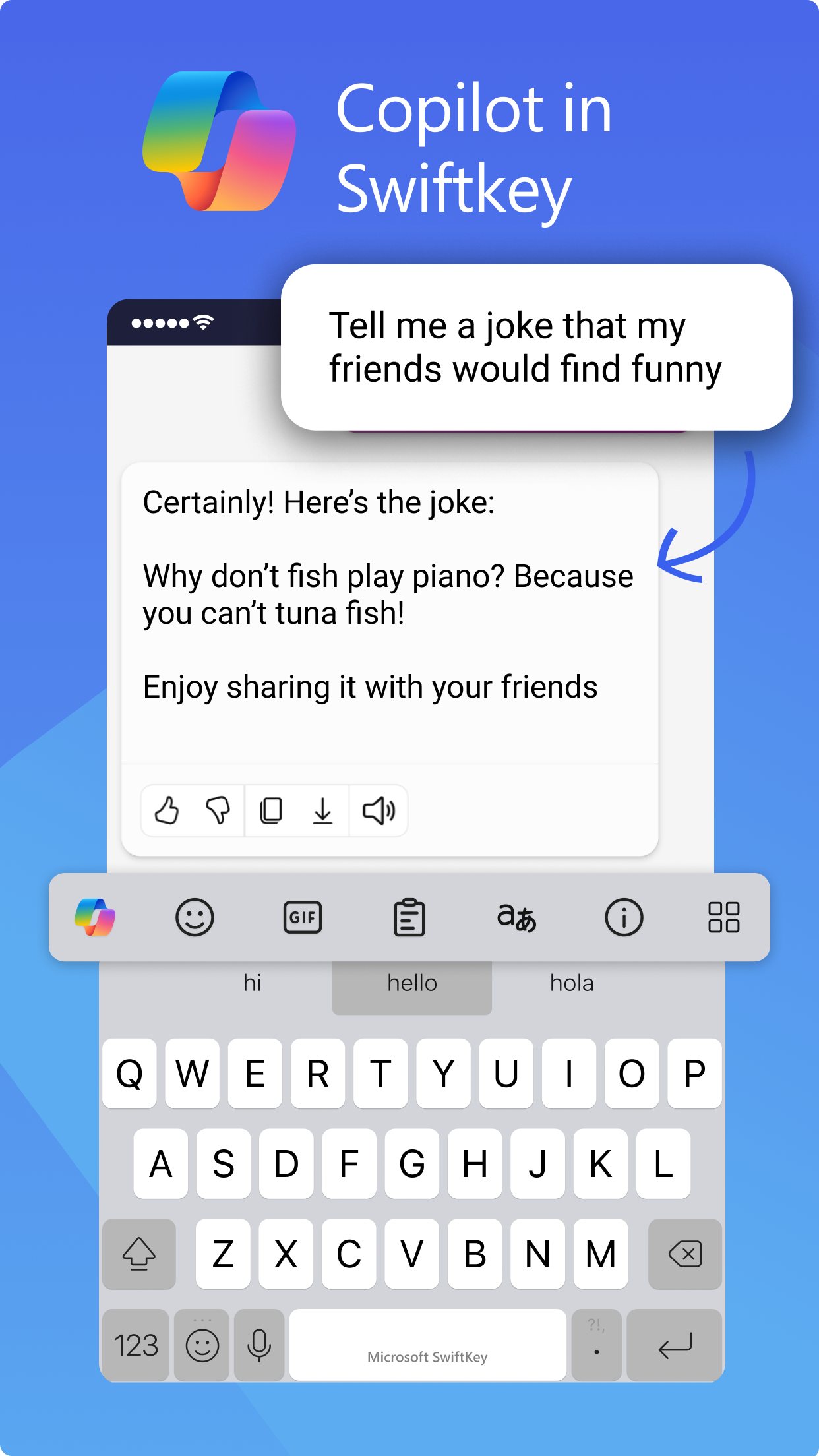
SwiftKey is free with no paid tier, and its Copilot button can rewrite a message in four tones once a Microsoft account is signed in. Reviewers still rate its swipe typing and clipboard highly. Long-time users in user reviews say predictions and autocorrect have got worse since 2025, and Android Authority found the AI extras easy to switch off and not much use.
Best for
Android or iPhone users who want tone rewrites inside the keyboard at no cost
Skip if
People who only want accurate autocorrect, since long-time users report it getting worse
Key facts
- Category
- Writing, emails & letters
- Made by
- Microsoft (SwiftKey, formerly TouchType Ltd)
- Based in
- United Kingdom
- Launched
- 2010
- Works on
- iPhone, Android
- In the UK
- Yes
- Free plan
- Whole app is free, including Copilot tone rewrites and chat (Microsoft account sign-in needed for AI features)
What it does
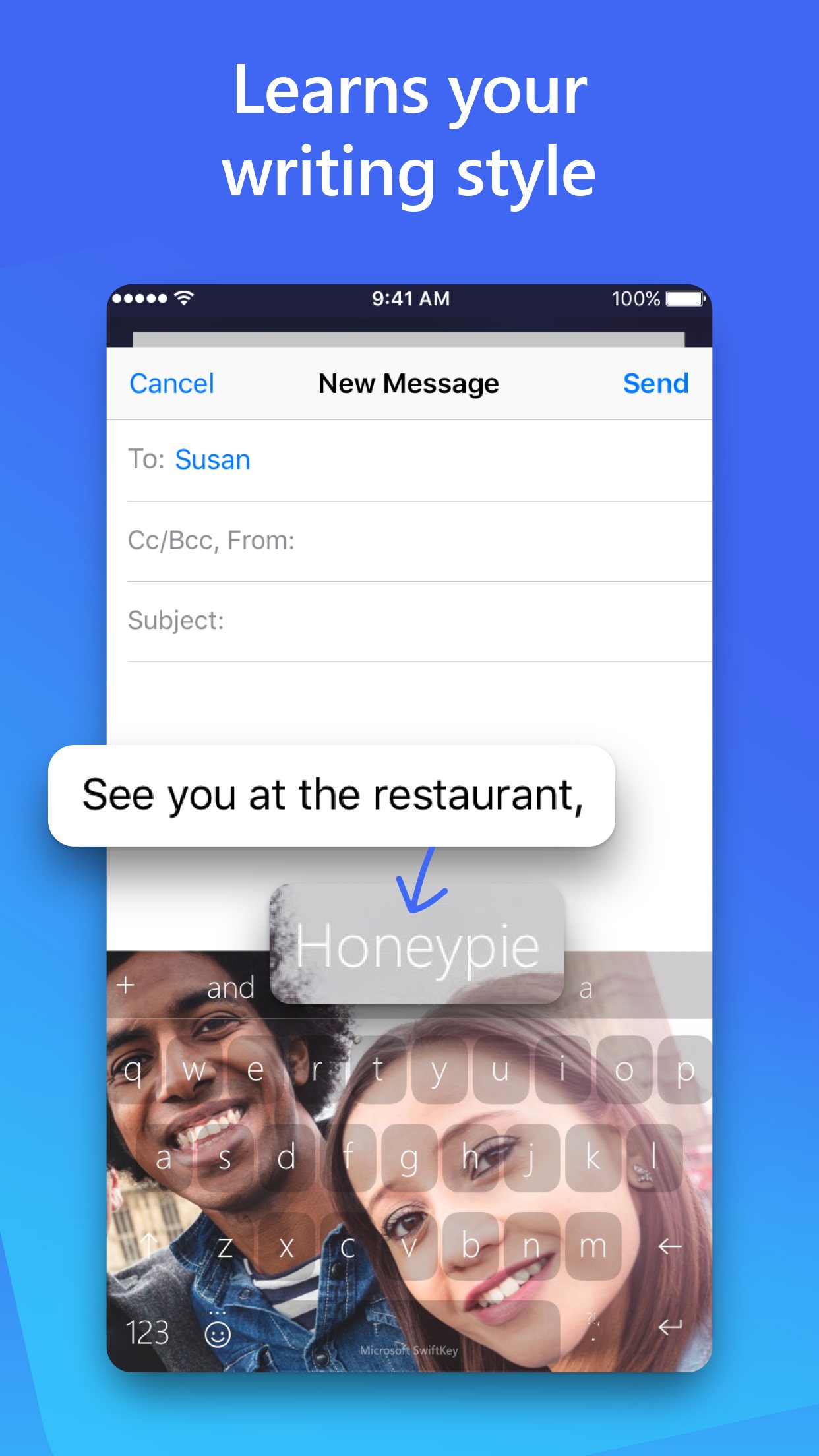
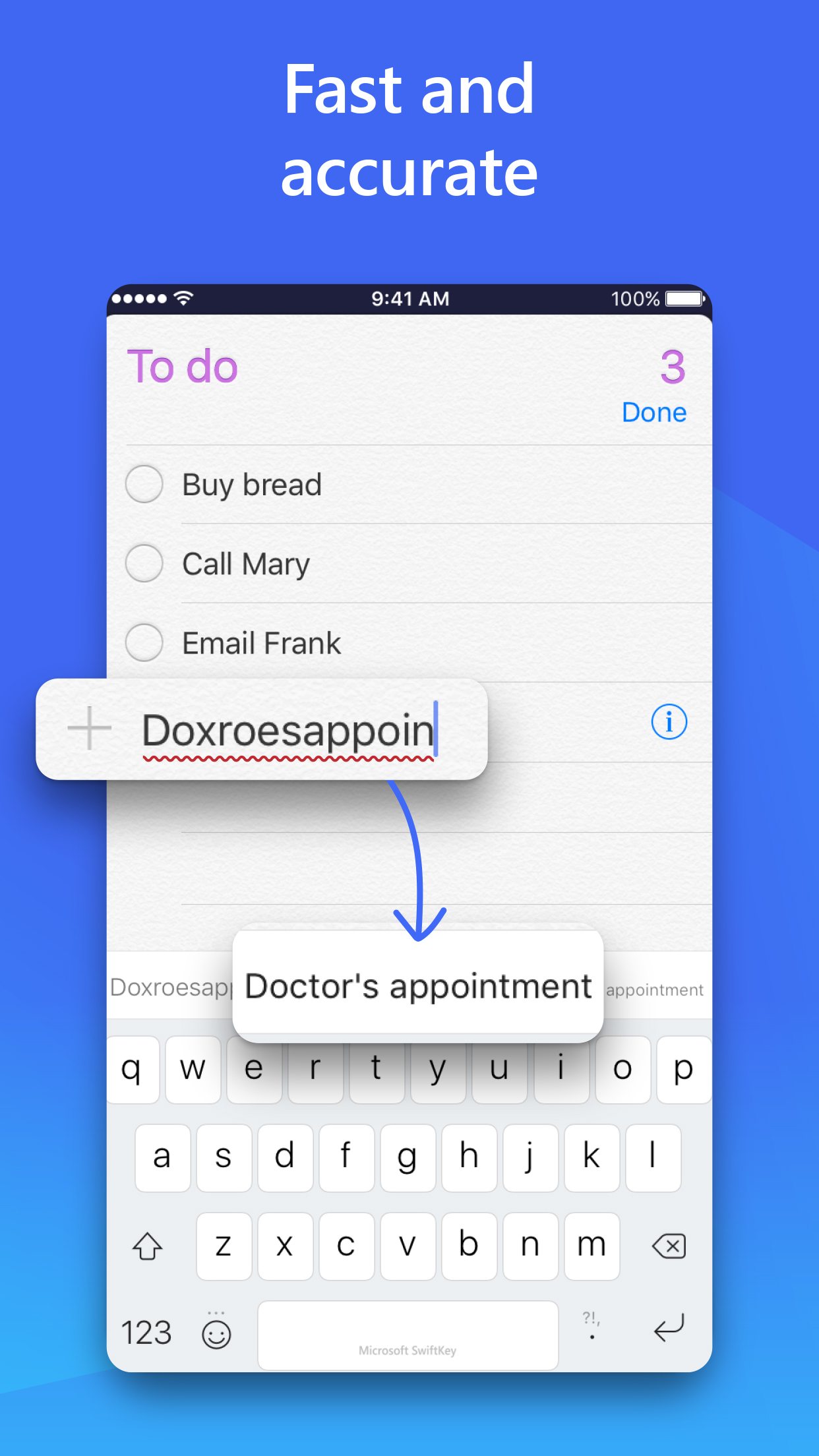
- corrects typos and predicts the next word from the user's writing style
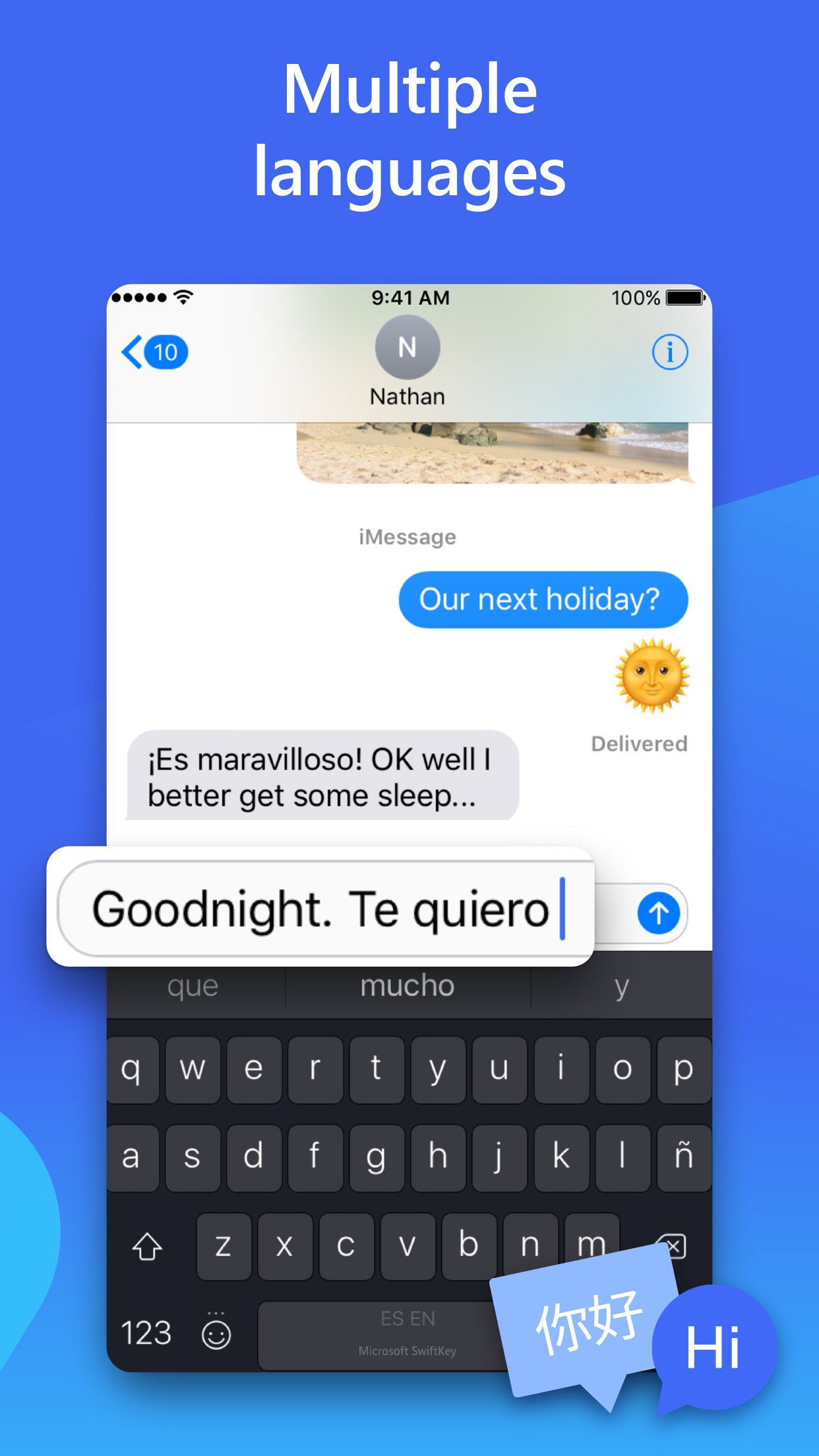
- types in up to five languages without switching settings
- lets users swipe from letter to letter with SwiftKey Flow
- turns speech into text from the keyboard
- copies and pastes text between a phone and Windows PCs
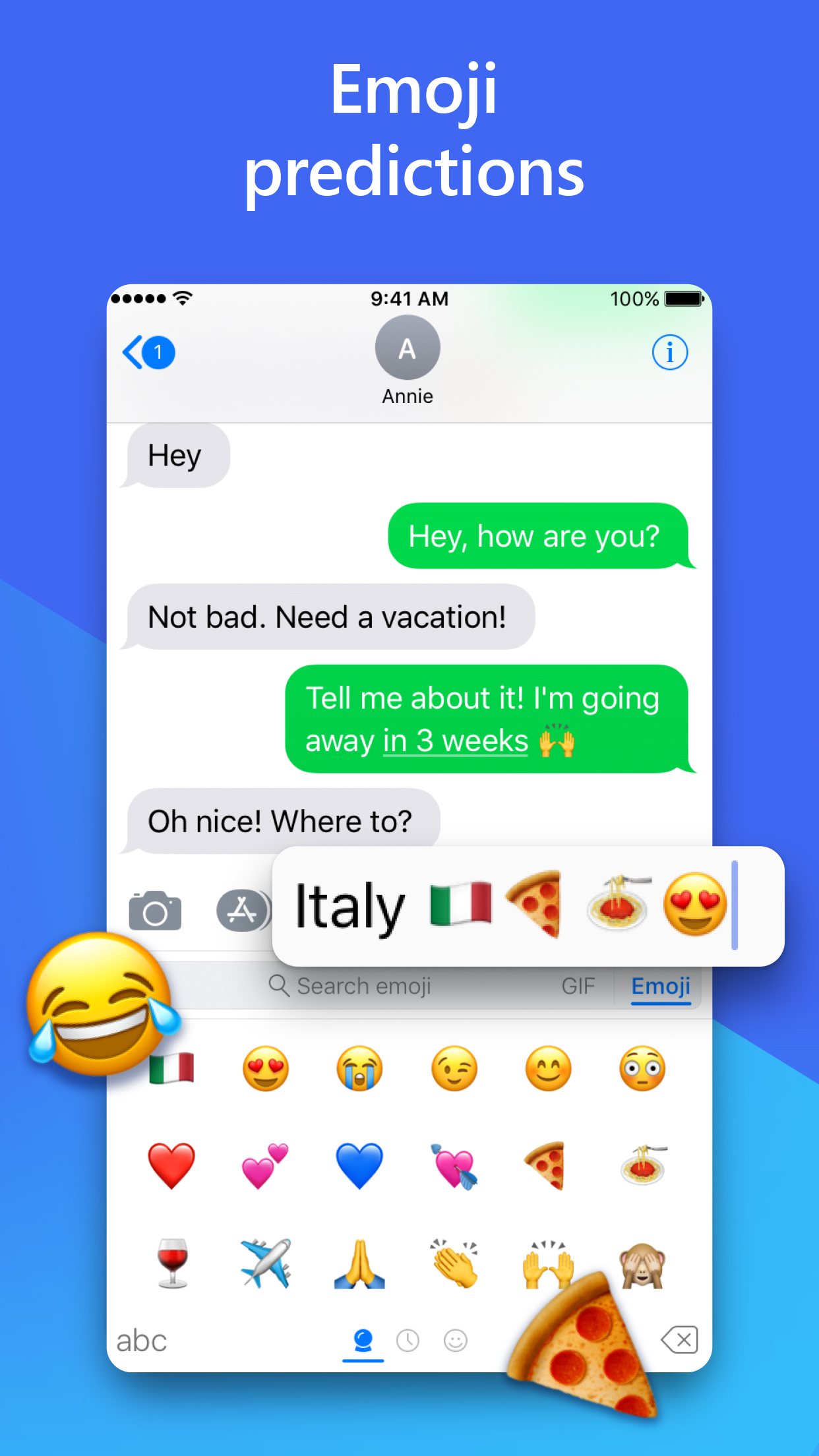
- offers GIFs, stickers, translator and clipboard tools in the toolbar
Ratings
What people say
Reviewers in 2026 still praise SwiftKey's swipe typing, multilingual typing and clipboard, but the user community says predictions and autocorrect have degraded, and some blame the move to generative AI. Store ratings (4.3 on Google Play from 4.6 million) sit well above that user reviews mood.
“Other than that, it's still the best I've found. The clipboard feature that allows you to keep phrases handy and insert them with 2 or 3 taps is incredibly time-saving”
Individual user review, 23 February 2026 · source

“It predicts words that don't exist, remembers your spelling mistakes, and doesn't correct obvious typos.”
Individual user review, 23 February 2026 · source

“I think the suggestion model has started using genAI instead of what they had before, it's getting worse on both platforms.”
Individual user review, 23 February 2026 · source

“Swiftkey went from one of the best keyboard apps to an enshittified shell of it's former self, in no small part thanks to AI.”
Individual user review, 11 August 2026 · source

Press reviews
- Android Police 2026-09-03
Best pure typing of the three and its Copilot rewriting tools feel more practical than Samsung's Galaxy AI, but dated looks and clipboard sync hiccups left Gboard the winner.
- Android Police 2026-09-05
SwiftKey Beta replaced Gboard for the reviewer, with much faster, more accurate AI voice typing and multilingual swipe.
- Android Authority 2026-01-24
Higher ceiling than Gboard once its quirks are learned; the Copilot AI features weren't useful to the reviewer but are easy to turn off.
Privacy
- Trains on your data
- no by default for typing data: Microsoft says typing data stays private to the keyboard unless the user chooses to share it; Copilot features send text to Microsoft's Copilot service (SwiftKey pages do not describe that handling)
- Opt-out
- yes, Settings > Privacy > 'Help Microsoft to improve' toggle; remote and on-device data can be deleted under Account > Data settings
- Retention
- No general period stated; transaction records kept after account deletion 'by law'
- Incidents
- July 2016: cloud sync suggested other users' email addresses and phone numbers as predictions; SwiftKey disabled the sync and patched it. June 2015: vulnerability in the Samsung pre-installed version, fixed by Samsung (Wikipedia). None found since.
- Age limit
- UK App Store rating 4+, Microsoft account needed for AI features
Official videos
- Microsoft SwiftKey - the keyboard that learns your writing style 2020-05-22
- Create custom AI images in SwiftKey 2023-09-21
FAQ
Is SwiftKey free?
Yes. Microsoft lists no paid plan. The Copilot tone and chat features are free but need a Microsoft account sign-in.
How do I rewrite a message with SwiftKey?
Type or select the text, tap the Copilot icon, choose Tone, and pick Professional, Casual, Polite or Social Post. Then tap Replace (iPhone) or Accept (Android).
Does SwiftKey read what I type?
Microsoft says typing data stays on the keyboard unless the user opts to share it, and it does not learn from password fields. Text sent to the Copilot button goes to Microsoft's servers.
SwiftKey or Gboard?
Android Police's September 2026 month-long test picked Gboard overall for looks and voice typing, while rating SwiftKey best for prediction and swipe. Another Android Police reviewer switched to the SwiftKey beta for its improved voice typing.
Scores are based on published evidence, not lab tests. How we score.
Similar tools

Apple Writing Tools (Write with Siri)
Free proofreading and rewriting built into recent iPhones, iPads and Macs, now run through Siri.
QuillBot
Rewords, summarises and grammar-checks text, with a free checker that has no word cap.

Wispr Flow
Dictation that turns rambling speech into tidy written text in any app, on phone or computer.

Grammarly
Checks spelling, grammar and tone in almost every app, on a phone keyboard or a computer.